






Tips for Creating a Productive Home Office Environment
Creating a productive home office environment is essential for anyone working remotely or freelancing. A well-designed workspace can enhance focus, reduce distractions, and improve overall work satisfaction. Whether you have a dedicated room or a small corner, these tips will help you transform your home office into a productive and comfortable place to work.
Choose the Right Location
Find a Quiet Spot
Select an area in your home that is naturally quiet and away from high-traffic zones. This reduces interruptions and helps maintain concentration.
Natural Light is Key
Where possible, position your desk near a window. Natural light can improve mood and energy levels, making your workday more pleasant.
Consider Privacy
If you share your home with family or roommates, try to create a workspace where you can close the door or use screens for privacy during important calls or tasks.
Invest in Comfortable and Functional Furniture
Ergonomic Chair and Desk
A comfortable chair with good lumbar support and a desk at the right height can prevent discomfort and improve posture, which is vital for long hours at the computer.
Adjustable Features
Chairs and desks with adjustable heights enable you to switch between sitting and standing positions, which can reduce fatigue.
Organised Storage
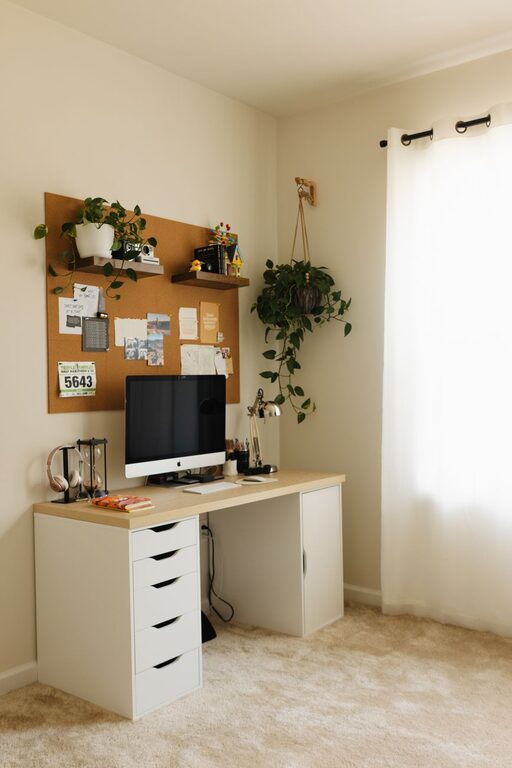
Incorporate shelves, drawers, or filing cabinets to keep your workspace tidy and your materials easily accessible.
Optimise Lighting
Use Task Lighting
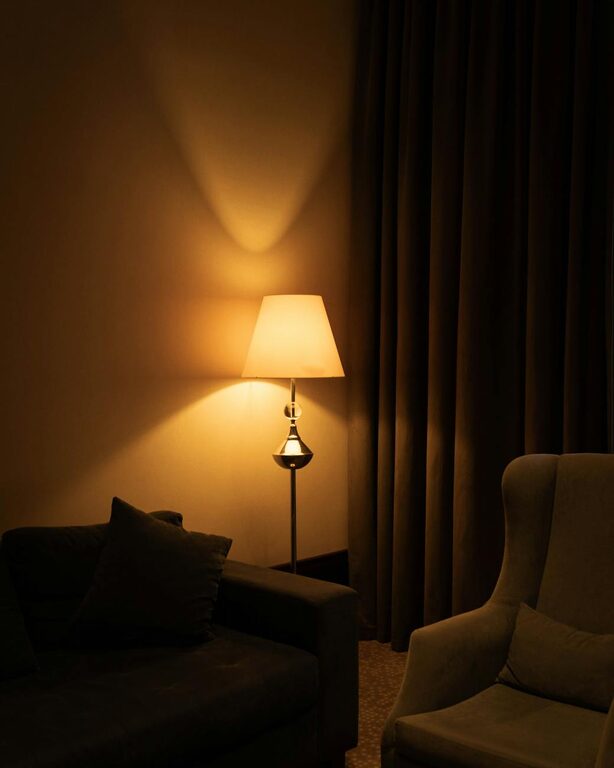
In addition to natural light, a good desk lamp can reduce eye strain during late hours or on cloudy days.
Avoid Glare
Position your monitors and lighting to minimise glare, which can cause headaches and reduce productivity.
Minimise Distractions
Declutter Your Space
Keep only essential items on your desk. A clutter-free environment helps maintain focus and reduces stress.
Control Noise
Use noise-cancelling headphones or white noise machines if background sounds are distracting.
Manage Digital Distractions
Turn off non-essential notifications and consider apps that block distracting websites during work hours.
Create an Organised Routine
Set Working Hours
Define clear start and finish times, helping to separate work from home life.
Breaks Are Important
Schedule short breaks to move, stretch, and rest your eyes. This can increase your overall productivity.
Plan Your Day
Use a planner or digital calendar to organise tasks and deadlines. Prioritising your work keeps you on track.
Personalise Your Space
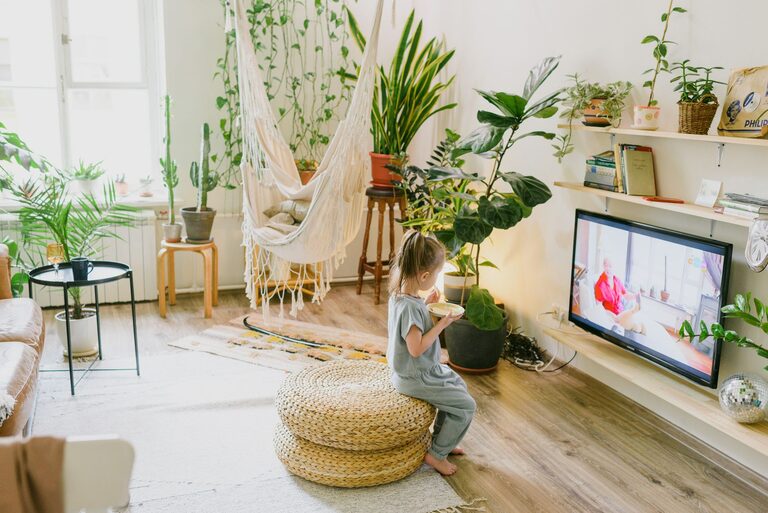
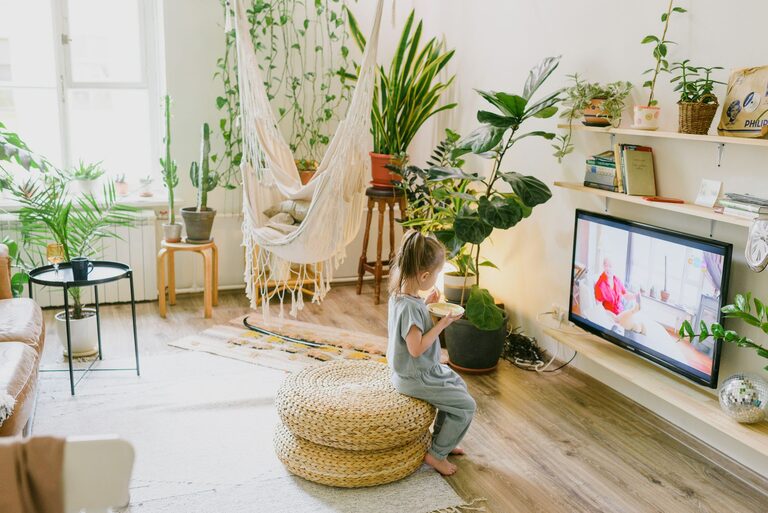
Add Plants
Indoor plants not only brighten up your office but can also improve air quality and reduce stress.
Inspirational Items
Include photos, artwork, or inspirational quotes that motivate and make your space inviting.
Colour Choices
Choose colours that promote focus and calmness, such as soft blues or greens.
Technology Setup
Reliable Internet
Ensure you have a stable internet connection to avoid disruptions during work or meetings.
Quality Equipment
Invest in a good laptop or desktop, external monitor, keyboard, and mouse to increase efficiency.
Backup Solutions
Regularly back up your work using cloud storage or external drives to avoid data loss.
Maintain Healthy Habits
Stay Hydrated
Keep a water bottle nearby to remind yourself to drink throughout the day.
Move Regularly
Incorporate simple stretches or short walks into your routine to reduce physical strain.
Avoid Overworking
Respect your work hours and disconnect afterwards to maintain a healthy work-life balance.
—
Setting up a productive home office environment doesn’t require a lot of space or expensive equipment. Small adjustments focused on comfort, organisation, and minimising distractions can make a big difference to your productivity and well-being. Experiment with these tips to create a workspace that works best for you.