






Creating a Cosy and Productive Home Workspace: Top Tips
Working from home has become a regular part of life for many, making the need for a well-designed home workspace more important than ever. Creating a space that is both cosy and productive can transform your work routine, helping you to focus better and feel more comfortable throughout the day. Whether you have a dedicated room or just a corner to spare, these tips will help you make the most of your space.
1. Choose the Right Location
The first step in creating a productive home workspace is selecting the best spot. Ideally, this should be a quiet area with minimal distractions.
– Natural Light: Pick a spot near a window if possible. Natural light boosts mood and alertness.
– Low Traffic: Avoid high-traffic areas like the kitchen or living room where noise and interruptions are common.
– Privacy: If you live with others, find a place where you can close a door or use room dividers.
2. Invest in Comfortable Furniture
A cosy workspace starts with furniture that supports your body comfortably.
– Ergonomic Chair: Choose a chair with good lumbar support and adjustable height to prevent back pain.
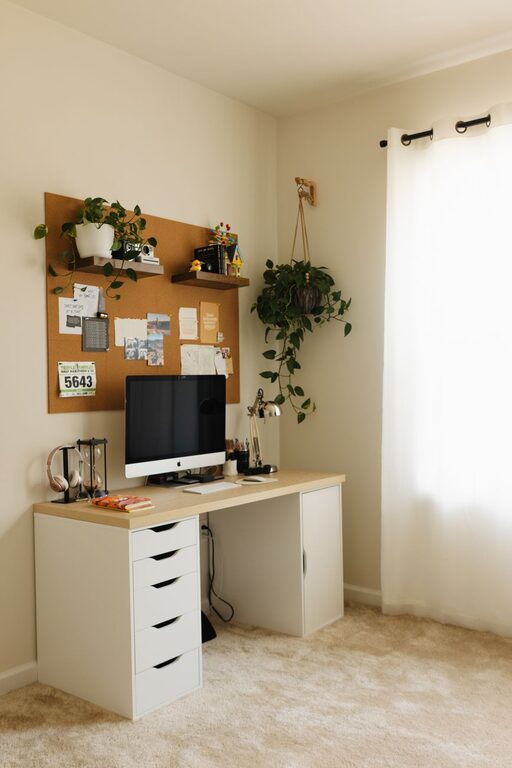
– Sturdy Desk: Your desk should be large enough for your computer, papers, and any other tools you use regularly.
– Footrest: If your feet don’t reach the floor comfortably, consider a footrest to maintain good posture.
3. Keep Your Space Organised
Clutter can interfere with concentration, so keeping your workspace tidy is essential.
– Storage Solutions: Use shelves, filing cabinets, or desk organisers to keep essential items in order.
– Daily Declutter: Spend a few minutes at the end of each day to tidy up your desk and put things away.
– Cable Management: Use clips or cable boxes to prevent cords from tangling and creating a mess.
4. Personalise Your Workspace
Adding personal touches can make your workspace feel cosy and inviting.
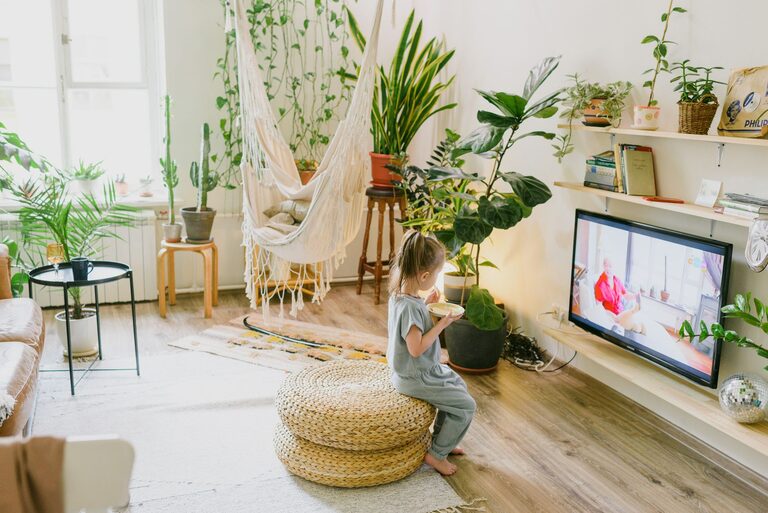
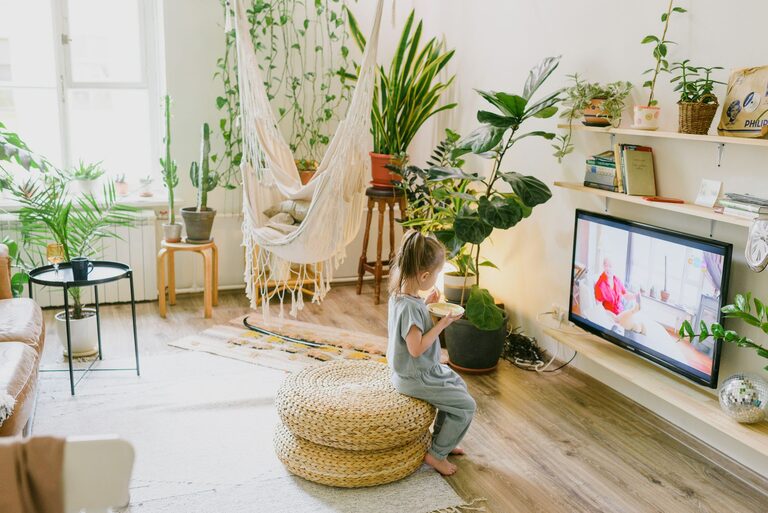
– Plants: Indoor plants improve air quality and add a touch of nature, which can be calming.
– Artwork and Photos: Hang inspiring art or display photos that make you smile.
– Soft Textiles: Add a cushion or throw blanket to your chair for extra comfort.
5. Optimise Lighting
Good lighting reduces eye strain and keeps you alert.
– Task Lighting: Use a desk lamp to illuminate your work area directly.
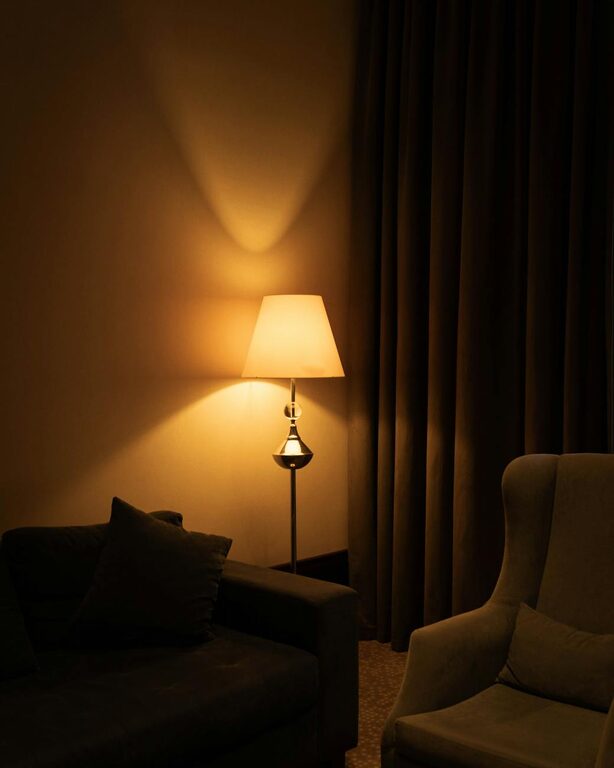
– Adjustable Lighting: Choose lights with adjustable brightness or colour temperature to suit different times of day.
– Avoid Screen Glare: Position your computer screen to reduce reflections from windows or lamps.
6. Minimise Noise Distractions
Noise can be a major interruption when working from home.
– Noise-Cancelling Headphones: These can help block out household sounds or background noise.
– Soft Furnishings: Curtains and rugs absorb sound, reducing echo and noise levels.
– White Noise Machines: Consider using a white noise app or machine to mask distracting sounds.
7. Set Clear Boundaries
Separating work from home life is vital for well-being and productivity.
– Dedicated Workspace: Reserve a specific area solely for work to signal focus.
– Defined Work Hours: Set regular start and finish times to maintain routine.
– Communicate: Let household members know your work schedule to minimise interruptions.
8. Use Functional Technology
Ensuring your technology supports your work smoothly is key.
– Reliable Internet: A strong and fast connection prevents disruptions.
– Quality Monitor: A larger or secondary screen can enhance productivity.
– Essential Accessories: Invest in a mouse, keyboard and other peripherals that feel comfortable to use.
9. Incorporate Break Spaces
Allow space for short breaks to recharge.
– Comfortable Seating: Have a chair or spot nearby where you can unwind briefly.
– Movement Area: Keep space for stretching or light exercises to promote circulation.
– Refreshments Close By: Having a water bottle or tea nearby encourages hydration.
Conclusion
Creating a home workspace that balances comfort and productivity doesn’t need to be complicated. By choosing the right location, investing in ergonomic furniture, organising efficiently, and personalising your area, you can make work-from-home days more enjoyable and effective. Remember to consider lighting, noise control, and clear boundaries to support focus, and don’t forget to take regular breaks. With these tips, your home workspace can become a positive environment that helps you thrive professionally and personally.